
Why LLMs matter for legal work when designed around outcomes
Many early AI pilots in legal stall for predictable reasons: models hallucinate, outputs sound confident but miss the point, or adoption collapses after the demo. The difference is outcome-driven design—building LLM integration around measurable legal results.

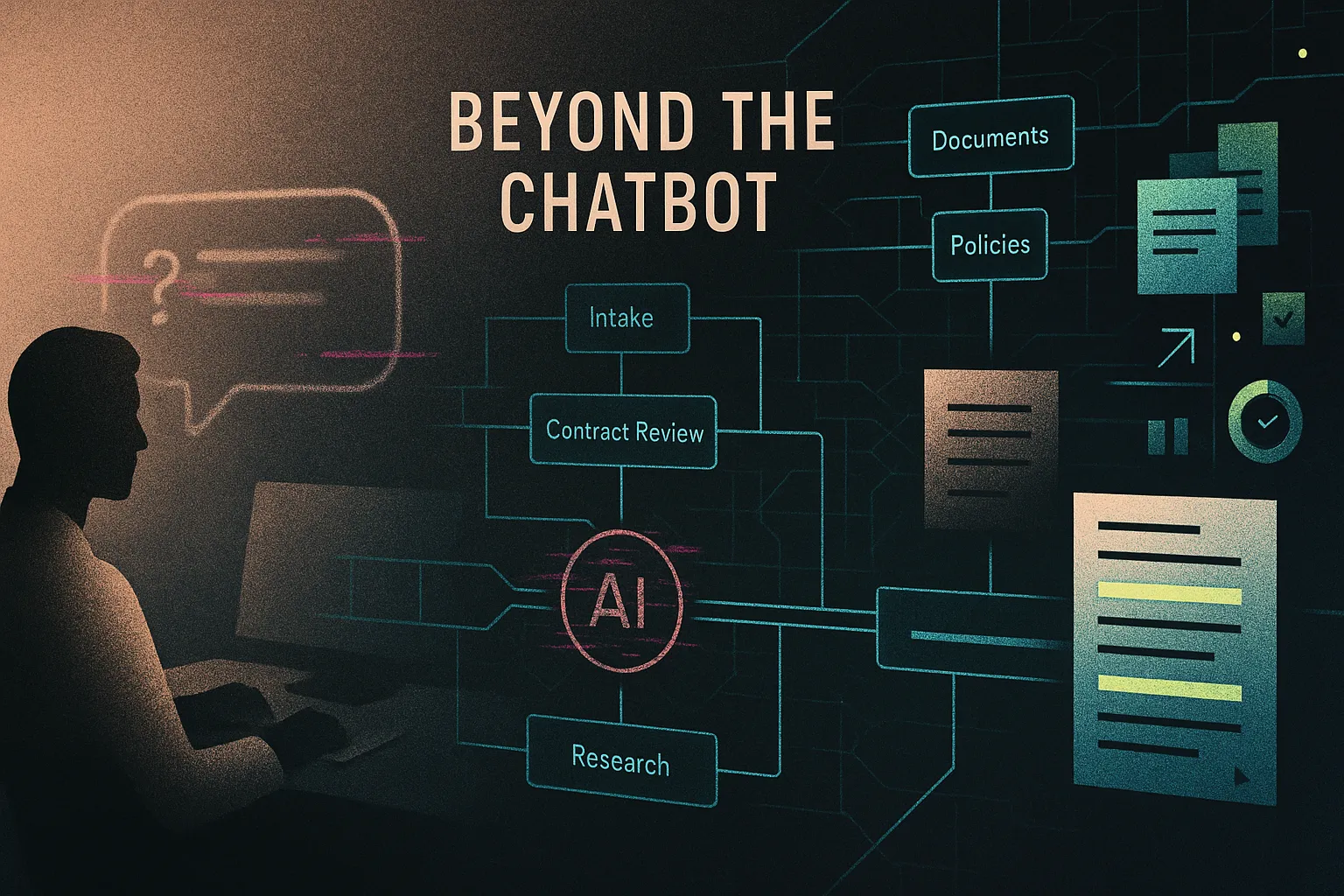
Why advanced LLM integration is a different problem than “adding a chatbot”
Generative AI is moving fast in legal, but many early pilots stall for predictable reasons: models hallucinate or sound overconfident, lawyers don’t trust outputs, confidentiality and privilege worries block real data access, and “cool” tools end up outside the workflow — unused. The gap isn’t model capability; it’s integration: grounding, permissions, review flows, and proof of quality.
This guide is for legal tech founders and product teams, innovation leads at firms, in-house legal ops, and tech-curious lawyers. The promise: a practical checklist for shipping advanced LLM features inside real legal workflows — covering technical patterns and governance, plus a forward-looking view.
- Design for outcomes (one workflow, one KPI).
- Ground outputs with retrieval + access controls.
- Keep lawyers in the loop with approvals and logs (see Lawyer-in-the-Loop).
- Pick deployment based on confidentiality, latency, and cost.
- Evaluate + monitor from day one; prepare for multimodal/agentic systems.
Why LLMs matter for legal work when designed around outcomes
Start from legal workflows, not from the model
A generic chatbot answers “anything.” Legal teams need workflow tools that do one job reliably inside a matter: intake triage, contract review, knowledge search, or compliance checks. When you scope tightly, you can define inputs, allowed sources, review steps, and success metrics.
- First-draft NDAs: generate a firm-style draft from an intake form; reduce turnaround from days to hours and improve consistency.
- Research memo assistant: summarize internal memos and authorities with citations; reduce time spent hunting for prior work.
- Discovery summaries: cluster and summarize document sets for lawyer review; more uniform issue spotting.
The real risks if you get integration wrong
Common failure modes include hallucinated facts or law, accidental disclosure of confidential/privileged material, ethical or regulatory missteps, and — most damaging — loss of lawyer trust.
Scenario: a firm launches an open-internet Q&A bot. An associate uses it to draft a motion; the partner later finds fabricated citations. The result isn’t just rework — it’s a reputational hit that kills adoption across the firm.
What “advanced capabilities” actually mean in practice
“Advanced” usually means engineered capabilities: RAG over approved internal sources, clause/precedent retrieval, document splitting/classification/extraction, workflow orchestration with permissions, and an evaluation harness to test regressions. These are components you wire together — not magic in a single model.
Patterns that work in legal: RAG, embeddings, and lawyer-in-the-loop
Retrieval-Augmented Generation (RAG) for grounded legal answers
RAG makes the LLM look up approved materials first (playbooks, policies, prior work), then draft an answer that cites what it found — so the “source of truth” is your corpus, not the model’s guess.
Simple architecture: connectors to DMS/KM → chunk + clean → embeddings + vector DB → retrieve top passages → LLM (context window) → answer with citations.
Example: internal policy Q&A for a legal department. A model-only chat gives plausible but unverifiable guidance; a RAG tool responds “per Policy 4.2…” and links to the exact section.
Embeddings and vector databases for legal document search
Embeddings turn text into vectors so “meaning-similar” clauses and memos cluster together. A vector database searches those vectors — ideal for unstructured legal text (contracts, pleadings, emails).
Clause bank pattern: embed clauses → retrieve “most similar” → flag risky deviations. Tune similarity thresholds and keep a keyword fallback for exact terms.
Designing lawyer-in-the-loop as a first-class feature
In legal, oversight must be explicit: who reviewed what, and what sources the AI used. Make approvals, edits, and audit trails core UX (see What is Lawyer in the Loop?).
Example: a contract review tool suggests edits, but nothing is saved until a lawyer approves — preserving accountability.
Developer and product checklist: from data prep to evaluation
Prepare your legal data and permissions model
Make your corpus usable and permissionable: de-duplicate, run OCR/text extraction, chunk along legal structure (clauses/sections), and tag metadata (matter, jurisdiction, practice area, confidentiality). Then enforce access controls in the retrieval layer: map users to matters/clients, apply RBAC, and filter results before they ever reach the LLM.
For multi-tenant products, use strict tenant partitioning (often separate indices) and treat embeddings, caches, and logs as tenant-scoped artifacts.
Prompt and system design that reflect legal standards
System prompts should require: staying within provided materials, admitting uncertainty, avoiding invented citations, and using the firm’s voice. Keep reasoning internal; output should be concise, structured, and sourced. Tune temperature/max tokens for consistency.
Example: “Answer only from retrieved sources; list citations; flag anything requiring human verification.”
Build a realistic evaluation and monitoring harness
Define metrics per use case (precision/recall for clause flags, grounding rate, hallucination rate, time saved, user satisfaction). Build test suites (golden cases + red-team prompts) and regression-test every model/prompt change. In production, log prompts, retrieved docs, outputs, and overrides; run a monthly review with a small lawyer panel to feed fixes back into prompts and data.
Hosting and deployment options for legal-grade LLMs
API models vs self-hosted models: how to choose
API models (OpenAI, Anthropic, etc.) are fastest to ship and typically strongest, but you rely on a third party for availability, data handling, and model/version changes. Self-hosted/open-source (e.g., Llama/Mistral) gives maximum control and data locality, but adds operational burden (GPU capacity, scaling, patching, safety testing).
Use external APIs when a DPA/contract terms and technical controls meet confidentiality requirements; go VPC/on-prem when clients demand strict residency or isolation. For cost/latency, route work: a cheaper model for triage/extraction, a stronger model for final reasoning and drafting.
Practical deployment patterns and tools
Prototype quickly in Hugging Face Spaces, orchestrate multi-step flows with tools like Flowise, then productionize as containerized services on Kubernetes/VMs behind your SSO and logging. A common path is: public demo → private pilot → hardened, tenant-isolated production.
Privacy, security, and auditability baked into the stack
Baseline controls: encryption in transit/at rest, secrets management, segregated indices per client, and robust logging with least-privilege access. Structure audit trails so you can reconstruct: prompt, retrieved sources, model/version, output, and human approvals. If a client or regulator asks “what happened here?”, you can answer with evidence — not intuition.
Legal and compliance governance for AI-powered legal services
Map traditional professional duties to AI-assisted practice
AI doesn’t change the lawyer’s responsibilities — it changes the tooling supporting them. Map duties explicitly: competence (know model limits; verify citations), confidentiality (control what client data is sent/seen), supervision (treat AI like a junior — review before relying), and candor (no unverified quotes or fabricated authorities in filings). Design the product so these behaviors are the default, not optional.
Policy frameworks for firms and legal-tech vendors
An internal AI policy should cover approved tools, permitted/prohibited use cases, disclosure expectations, and required review steps. A practical example: AI allowed for research, drafting, and internal knowledge retrieval, but forbidden for unreviewed court filings or direct client advice. Vendors should be ready to document architecture, data flows, evaluation approach, and incident response.
Handling client data, privilege, and cross-border issues
Most teams avoid using client data for fine-tuning; keep privileged material in retrieval with strict permissions and configure providers so prompts aren’t used for training where possible. For multi-jurisdiction matters, confirm data residency and cross-border transfer controls.
- Where do prompts, files, embeddings, and logs live, and for how long?
- Is provider training on customer data contractually and technically disabled?
- How are matter/client permissions enforced in RAG retrieval?
- What audit trail exists (sources, model/version, approvals)?
- What’s the security incident process and timeline?
Common implementation challenges and how to overcome them
Hallucinations and overconfidence
LLMs optimize for plausible language, not legal correctness. That mismatch is acute in law, where users expect jurisdiction-specific answers and accurate citations. Mitigate with strict grounding (RAG + “answer only from retrieved sources”), explicit refusal behavior, scope limits to known corpora, and post-processing checks like citation validation. UX should surface uncertainty and make source review frictionless.
Example: an early assistant accepted open-ended questions about any jurisdiction; a safer version restricted to firm memos + an approved legislation database and always returned pinpoint citations.
Cost, latency, and scale constraints
Full-document prompting and “one big model for everything” quickly becomes slow and expensive. Use caching, reduce context via better chunking and summaries, route tasks to cheaper models, batch back-office jobs, and publish clear SLAs.
Example: a contract-review assistant moved from whole-document prompts to section-by-section analysis with rolling summaries, cutting latency and token spend.
Adoption, trust, and change management
Lawyers ignore tools that don’t fit their workflow, hide sources, or increase risk. Co-design with lawyers, embed into DMS/email/matter tools, train with realistic scenarios, and start with opt-in pilots tied to measurable outcomes.
Scenario: a standalone chatbot failed; a second iteration embedded in intake triage with cited answers and tracked time-to-triage, driving sustained usage.
Future trends in AI-powered legal services to plan for now
Multimodal systems and document-heavy workflows
Multimodal models that read text, images, and PDFs will reshape discovery, diligence, regulatory filings, and medical/legal record review — especially where key facts live in scanned exhibits, tables, and messy attachments. Expect unified workspaces where the AI can extract entities, summarize timelines, and highlight inconsistencies across emails, forms, and scanned documents.
Example: ingest scanned exhibits + spreadsheets + email threads into one review view; the system flags missing signatures, conflicting dates, and risky language with links to the source pages.
Agentic workflows and tool-using systems
“Agents” are systems that can plan multi-step work (search the DMS, pull templates, draft, route for approval, prepare an e-sign packet) under constraints. The upside is automation; the downside is risk when the system can act. You’ll need tighter permissions, action guardrails, and logs for every tool call — not just model output.
Regulatory and standards evolution
AI governance is trending toward transparency, documentation, and risk assessment rather than blanket bans. Future-proof by keeping a living record of model/provider choices, data flows, evaluations, and incident response — so you can answer client and regulator questions quickly.
Where conservative innovation makes sense
Start with high-value, lower-risk use cases (internal research, knowledge retrieval, drafting aids), then expand as your data, evaluation, and governance foundations mature.
Actionable Next Steps
- Pick 2–3 workflows (e.g., NDA first-draft, policy Q&A, contract issue-spotting) and define success metrics (turnaround time, accuracy/grounding rate, user adoption).
- Run a small RAG pilot on low-risk content (templates, internal policies) and measure performance with lawyer review.
- Map your data sources (DMS, KM, email, ticketing) and design retrieval with matter/client permissions end-to-end.
- Choose hosting intentionally (API vs VPC/on-prem) based on confidentiality expectations, latency, and cost; document the rationale for stakeholders.
- Write/update governance: AI use policy + vendor/security questionnaire (confidentiality, privilege, retention, incident response, supervision).
- Build an evaluation harness (10–20 canonical test cases per use case) plus a simple monitoring dashboard (grounding, overrides, errors).
- Plan the rollout: opt-in pilot, training scenarios, and a feedback loop that turns lawyer comments into prompt/data fixes.
If you want a second set of eyes on architecture and governance, Promise Legal can help you pressure-test your plan and prioritize what to ship first. Related reading: Lawyer-in-the-Loop, Hugging Face Spaces for Lawyers, and AI efficiency case study.