
Why AI Efficiency Matters for Law Firms Now
AI is already reshaping how legal work gets done—especially in document-heavy practices like litigation, due diligence, and contract work. Firms are discovering that efficiency gains protect margins without requiring cuts to service quality.

Introduction
AI is already reshaping how legal work gets done — especially in document-heavy practices such as litigation, transactional due diligence, and contract-heavy corporate work. Firms are under margin pressure, clients expect more for less, and manual, repetitive workflows don’t scale; that gap is the core problem this guide addresses.
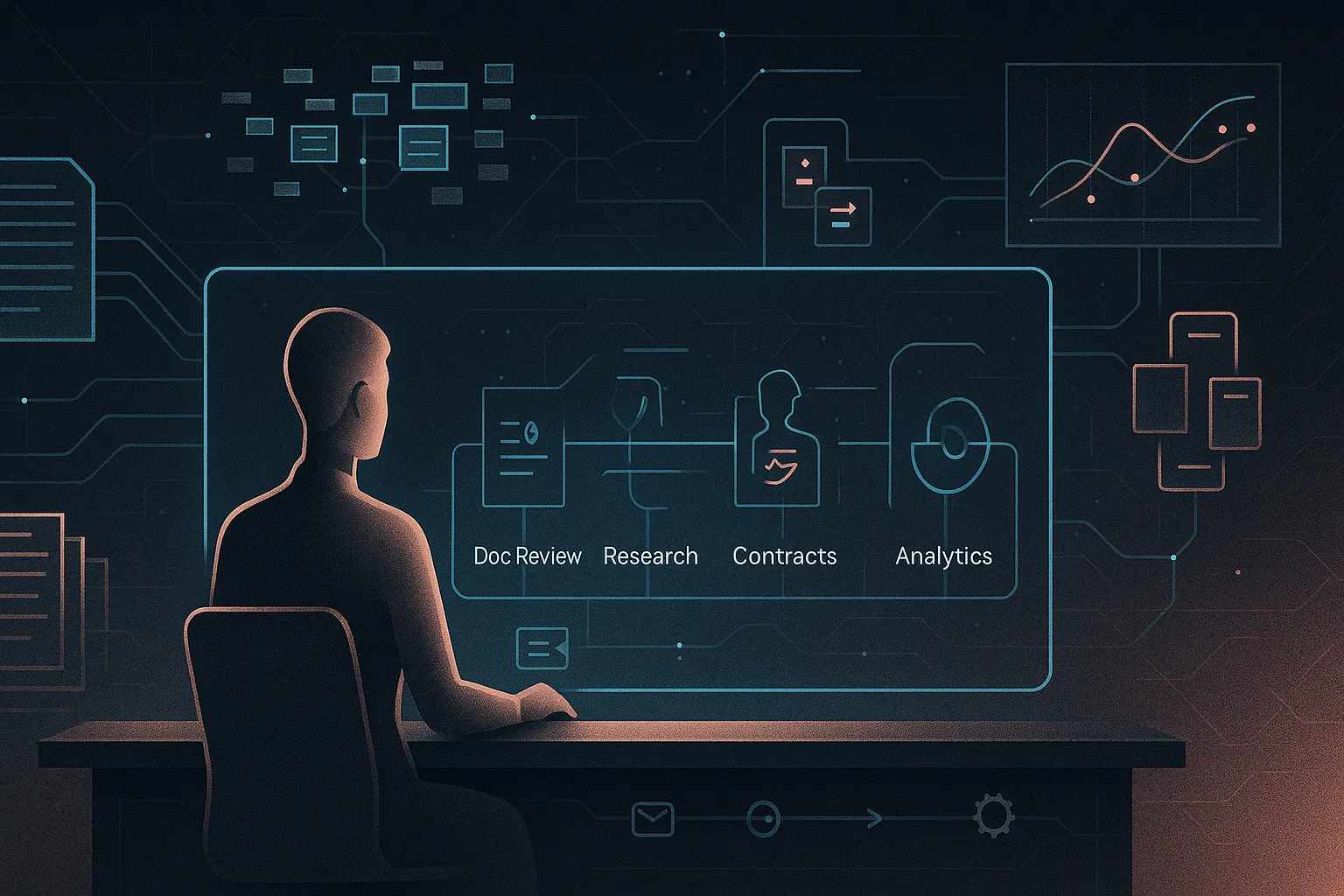
This practical guide/checklist is written for law firm partners, practice leaders, operations and innovation leads, and in-house counsel evaluating outside counsel. It walks through five high-impact AI applications — document review, legal research, contract management, predictive analytics, and workflow automation — and gives concrete steps, measurable metrics, short examples, and governance checkpoints (lawyer-in-the-loop, data handling, vendor controls).
For real-world context see our AI case study on efficiency gains and primer explaining lawyer‑in‑the‑loop. The guide emphasizes practical pilots, vendor due diligence, and simple metrics you can start measuring in 30–90 days.
Clarify Your Firm’s AI Goals and Guardrails Before You Buy Tools
Too many firms waste pilots because they buy tools instead of defining workflows and outcomes. Begin with 3–4 strategic goals — e.g., increase effective leverage, shorten turnaround, enable flat‑fee offerings, or improve consistency — and assign one measurable metric to each.
Quick checklist:
- Pick 2–3 repeat workflows (doc review, research memos, NDA triage).
- Choose the priority — speed, cost, or quality — and how you’ll measure it.
- Set red lines on confidentiality, privilege, and data residency; do not train models on client data without consent.
- Require lawyer‑in‑the‑loop for any client‑ or court‑facing output.
Example: a mid‑size litigation firm pilots AI for first‑pass discovery and internal research summaries with targets of 50% fewer review hours and 24‑hour memo turnarounds. See our AI governance article and lawyer‑in‑the‑loop primer.
Use AI Document Review to Cut First-Pass Review Time in Half
AI is best used for first‑pass review — classification, issue tagging, privilege flagging, and near‑duplicate clustering — while lawyers retain final judgment. Capabilities: fast triage and pattern recognition. Limits: edge cases and nuanced privilege calls still need human oversight.
Workflow example: old — associates read and tag every document; AI‑augmented — ingest corpus → classification/clustering → surface relevant/privileged docs → lawyers review high‑risk subsets. In a 200,000‑email dispute, AI can cut first‑pass reads ~50% and speed issue‑spotting.
- Checklist: choose a secure review platform (cloud vs on‑prem; encryption, RBAC); define tagging schema and protocols; set sampling/QC for AI‑rejections; assign lawyer validators to sign‑off and tune models.
- Track: hours/1,000 docs pre/post; privilege/error rates; load‑to‑production cycle time.
Redeploy juniors to QA/strategy and consider fixed‑fee pricing. See our AI case study on efficiency gains and lawyer‑in‑the‑loop guidance.
Turn AI‑Assisted Legal Research into Faster, Better‑Scoped Answers
LLM‑based research tools complement, not replace, authoritative databases. Use them to quickly frame issues, outline arguments, draft first‑draft memos, and generate checklists of authorities to verify in trusted platforms.
- Realistic uses: issue framing, initial memos/summaries, compare/contrast analyses, authority checklists.
- Risks & mitigation: hallucinated cases or misstatements — verify every citation; prompt explicitly for jurisdiction and recency.
Workflow: prompt AI for a structured research plan and preliminary memo → run targeted searches in Westlaw/LEXIS → cross‑check every cited authority → finalize memo (AI assists editing/formatting; conclusions remain lawyer‑owned).
- Checklist: firm policy (AI may suggest routes but not be sole source), standard prompts, and training to document AI use and validation.
- Metrics: time to research plan; hours to first draft; partner satisfaction.
See our lawyer‑in‑the‑loop guidance and the AI governance playbook.
Automate Contract Management from Intake to Obligation Tracking
AI in CLM automates intake triage, review playbooks, clause extraction and obligation tracking — reducing manual routing and missed deadlines.
- Intake: classify type, counterparty, urgency and risk; route automatically.
- Review: flag deviations from playbooks and suggest fallback language.
- Extraction: capture dates, notice windows, payment terms and unusual risk items into dashboards.
Example: a corporate group handling dozens of NDAs weekly auto‑tags low‑risk agreements and escalates exceptions for senior review.
- Map your workflow; pick a CLM/overlay that supports clause libraries and jurisdiction tuning.
- Build playbooks and escalation thresholds; enable reminders and audit logs.
- Require lawyer‑in‑the‑loop for non‑standard or high‑value contracts.
Track turnaround time, % processed without partner sign‑off, and missed renewal rates. See our CLM & document‑tracking case study and n8n workflow guide.
Apply Predictive Analytics Carefully for Litigation and Risk Decisions
Predictive analytics can estimate probabilities — outcomes, timelines, or cost bands — but it cannot guarantee results. Use models to inform strategy (likelihood of success on motions, time‑to‑resolution, portfolio outliers) while keeping lawyers responsible for final decisions.
- Limits & risks: biased or incomplete historical data, jurisdiction/judge variation, and opaque (“black box”) models — avoid over‑reliance or overstating certainty to clients.
- Illustration: a firm uses a tool to estimate success on a motion to dismiss; the output informs settlement discussions but attorneys also weigh recent precedent, client tolerance, and reputational factors.
- Checklist: start with 1–2 matter types with sufficient history; involve litigators + data/IT to define labels; require documented ranges and uncertainty when presenting results; implement backtesting and recalibration.
- Metrics: alignment of predicted vs actual outcomes/timelines, client satisfaction with transparency, and improvement in early assessment time and budgeting accuracy.
Further reading: Embedding Tools Within Legal Workflows and Efficacy of AI in the Legal Industry.
Build End-to-End Workflow Automation Around AI, Not Just One-Off Tools
Big efficiency gains come from orchestrating systems (DMS, email, CLM, LLMs) into workflows, not isolated chatbots. AI workflow automation uses triggers, routing and data flows: AI handles repetitive cognition; software handles handoffs.
Example: client documents → classify & store in DMS → AI summarizes facts/issues → task manager creates work items → AI drafts status updates for lawyer review.
- No‑code vs custom: use n8n/Zapier for pilots; prefer API integrations for scale and security.
- Starter checklist: pick one high‑friction process; map inputs/decisions/outputs; decide where AI adds value; build a minimal version with logs and rollback; train overrides.
- Metrics: manual handoffs removed; time to initial deliverable; routing error rate.
See the n8n setup guide and AI workflows & design.
Design Governance: Keep Lawyers in the Loop and Clients Informed
Efficiency gains must be balanced with professional obligations and client trust. Core principles: lawyer‑in‑the‑loop for any client‑ or court‑facing output; strict data‑handling and confidentiality (no feeding client secrets into public models); documented validation and sampling for AI outputs; and clear client communication about AI use and benefits.
- Policy checklist: pre‑deployment approvals (security, ethics, conflicts, IT); mandatory training; acceptable‑use rules (which models for which tasks; prohibited uses); incident response for wrong outputs or data incidents.
- Recordkeeping: tag AI‑assisted drafts and preserve validation logs and sampling results.
Practical examples: a partner edits an AI memo, logs the verification steps; a firm amends engagement letters to note supervised AI assistance. For guidance, see Promise Legal’s AI governance & lawyer‑in‑the‑loop and What is Lawyer in the Loop?.
Actionable Next Steps: How to Start Implementing AI Efficiency Safely
Start small and measurable. Take these near‑term actions:
- Map one or two high‑volume workflows (doc review, NDAs); estimate current time and cost.
- Pick a single low‑risk pilot (AI summarization of discovery or first‑draft research); define success metrics (hours saved, turnaround, error rate).
- Draft/update a short AI use policy covering confidentiality, verification, and mandatory lawyer oversight.
- Train a small ‘AI champion’ team in each practice to run pilots, log outcomes, and share learnings.
- Integrate one AI capability into an existing tool (DMS, email, CLM) rather than adding another app.
- Run a 60–90 day pilot, review metrics, and decide to expand, refine, or roll back.
Need help designing pilots, vendor terms, or governance? Work with Promise Legal Tech to align AI with ethical duties and client expectations. See our lawyer‑in‑the‑loop guidance.