
AI Workflows in Legal Practice: A Practical Transformation Guide
Legal work is shifting from manual, email-driven practice to workflow-driven, AI-assisted operations. This transformation guide covers intake, extraction, triage, and review—with a framework for moving from scattered tools to connected workflows.

Why AI Workflows and Legal Tech Are Changing How Law Gets Done
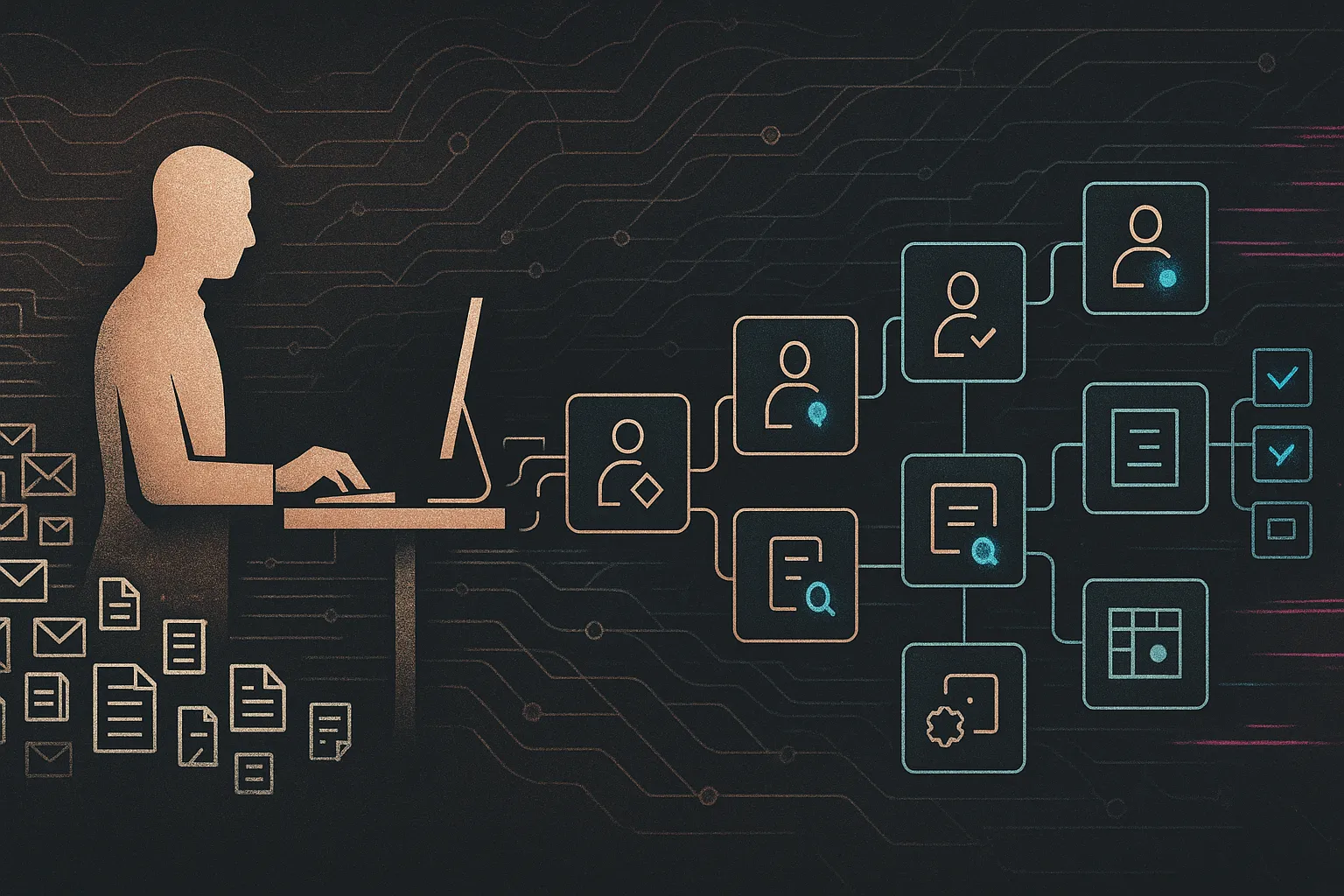
Legal work is shifting from manual, email-driven practice to workflow-driven, AI-assisted operations: intake, extraction, triage, and first drafts become event-driven steps orchestrated by workflow tools and LLMs, while lawyers keep control at key decision points.
This guide is for law-firm partners, in-house counsel, and legal-ops leaders who want concrete, safe, realistic use cases — not hype. Common pitfalls include buying shiny point tools that don’t change workflows, exposing privileged data, or failing to embed human oversight and falling behind competitors.
We focus on pragmatic efficiency and risk-aware automation — AI workflows, contract tracking, and integrations that meet lawyers where they work — with mandatory lawyer-in-the-loop checkpoints. Expect clear use cases, before/after examples, and a short roadmap for 60–90‑day pilots. For hands-on patterns see our post on building firm chatbots and workflows and the AI governance playbook.
Map your current workflows before you buy tools.
AI is most powerful when embedded in recurring workflows — intake, triage, research, drafting, review and reporting — rather than treated as a one‑off chatbot. Start by mapping repeatable steps, owners, and exception paths so you can prioritize automation where it reduces effort without changing legal outcomes.
- Information gathering: good for OCR, extraction and summaries; lawyers set scope and privilege filters.
- Analysis: AI flags patterns; lawyers do precedent weighting and nuanced reasoning.
- Drafting & negotiation: AI generates first drafts and clause comparisons; lawyers decide strategy and final redlines.
- Admin & compliance: intake, calendaring and reminders are automatable; high‑risk compliance calls stay human.
- Strategy & counseling: lawyer‑led; AI prepares options, not decisions.
Example: a mid‑size employment firm mapped policy reviews and found 70% repetitive clause comparison — ideal for automation — while bespoke HR advice remained human. Design each automation with a clear lawyer‑in‑the‑loop checkpoint, prioritize high‑frequency, low‑risk steps when you pilot automation, and measure touch‑time reductions.
Start with admin‑heavy tasks that don’t change legal outcomes.
Early wins come from automating low‑risk, high‑volume work: client intake questionnaires, triage routing, scheduling, simple status updates, standardized file naming, and matter creation. These save time without affecting legal judgment.
Simple AI workflow:
- Client submits web form or email.
- Workflow tool (e.g., n8n/Zapier) cleans and normalizes data.
- LLM summarizes the matter, tags urgency and practice area.
- System creates a matter in the DMS/CRM and notifies the right lawyer/paralegal for approval.
Mini‑scenario: an immigration boutique cut inbox triage time by ~60% via auto‑tagging and intake summaries that paralegals review.
Guardrails: never send legal advice without human sign‑off; label AI outputs as drafts; restrict data flows to approved systems and keep an audit trail. Measure touch time and error rates during a 60–90‑day pilot to confirm ROI and safety. For hands‑on implementation, see our n8n setup guide.
Turn research and drafting into repeatable, supervised AI workflows.
LLMs accelerate — but don’t replace — legal research and drafting: they summarize long documents, generate first‑pass issue lists or checklists from playbooks, and produce draft emails, letters or basic agreements for lawyers to refine.
Simple research‑and‑drafting workflow:
- Lawyer defines the question and constraints (jurisdiction, timeframe, risk tolerance).
- AI workflow pulls relevant internal precedents, memos and templates (and external sources only if approved).
- LLM returns a structured summary plus a draft memo or redline marked non‑authoritative.
- Lawyer reviews, corrects and signs off; corrections update templates/prompts.
Example: an in‑house SaaS team uses an LLM playbook for DPAs — AI generates a redline from preferred clauses so counsel focuses only on deviations and high‑risk positions.
Enforce a lawyer‑in‑the‑loop with mandatory review gates, a named human owner for every AI output, tracked redlines and clear authorship metadata plus an auditable diff. For implementation patterns and governance, see our LLM integration and workflow guidance.
Turn static contracts into live, searchable, monitored assets.
A contract‑tracking system is a structured repository that captures key data — counterparty, renewal/notice dates, termination, pricing, obligations and risk flags — and surfaces them through dashboards and alerts so commitments don’t stay hidden in PDFs.
- Step 1: Define practice‑specific fields (renewals, governing law, liability caps, SLAs, IP).
- Step 2: Choose storage (DMS/CLM, database, spreadsheet) and enforce a consistent schema.
- Step 3: Use an LLM to extract fields into the schema; require human validation for high‑risk items.
- Step 4: Configure alerts/reports (90‑day reminders, auto‑renew flags, unusual caps) via your workflow tool.
- Step 5: Make every new or amended contract follow the same AI‑assisted intake and review routine.
Example: a corporate team avoided missed renewals and last‑minute renegotiations by auto‑populating a central tracker and sending quarterly obligation summaries to business owners.
Crucial guardrail: any extraction that affects financial commitments or risk positions must be double‑checked by a lawyer or trained contract manager. For related patterns and governance guidance, see Why AI Efficiency Matters for Law Firms Now.
Make oversight a feature of every AI workflow, not an afterthought.
Governance‑rich, lawyer‑in‑the‑loop workflows outperform ad‑hoc AI use: they reduce hallucination risk, preserve privilege, and make outcomes auditable. Design QA into the flow, not as a post‑hoc check.
- Clear owner: every AI output has a named human accountable for sign‑off.
- Defined thresholds: what can auto‑send, what requires review, what must be lawyer‑drafted.
- Structured checklists: fast, consistent QA for AI‑drafts (emails, contracts, memos).
- Audit trail: log prompts, AI responses and lawyer edits for evidence and compliance.
Scenario: a litigation team requires a supervising associate to complete a discovery review checklist before filing. Protect data by preferring private/on‑prem models for sensitive matters, forbidding unsanctioned model training on client files, and coordinating vendor contracts with IT/security. See our AI governance playbook for templates and policy detail.
Meet lawyers where they already work (email, DMS, practice management).
Adoption often fails when AI lives in a separate, rarely used tool. Embed capabilities into the apps lawyers use daily so automation becomes invisible and trusted.
Embed examples:
- Within the DMS/CLM: clause suggestions, extraction, inline redlines.
- Practice management: auto‑create tasks, propose deadlines, update matter statuses.
- Email & chat: draft replies, summarize threads and surface action items.
Scenario: a small firm runs an n8n workflow that watches a shared inbox, summarizes long threads, recommends next steps and creates tasks in the case management system — partners never log into n8n itself. See our n8n setup guide.
Prioritize interoperability: use APIs and open standards, avoid vendor lock‑in. Start small — add one AI‑powered button (e.g., "summarize document," "draft client update") and iterate. For LLM integration patterns, see LLM integration guidance.
Treat AI and automation like any other investment with ROI and risk metrics.
Start with a compact dashboard of realistic metrics: time from intake to first response; time to first draft of key documents; number of missed deadlines or renewals; lawyer hours on admin vs. substantive work; and client signals (fewer status requests, faster turnaround). Track medians and lawyer touch‑time so results aren’t skewed by outliers.
- Scenario: a 90‑day pilot for NDA intake — measure average cycle time, lawyer touch time and error rates before/after to decide whether to extend to more complex agreements.
Also capture qualitative outcomes (reduced burnout, better use of senior counsel, clearer audit trails). Review quarterly to recalibrate prompts, playbooks and thresholds, and fold findings into your AI governance program: AI governance playbook.
Actionable Next Steps to Modernize Your Practice with AI
AI and legal tech deliver real gains when you redesign workflows (intake, research, drafting, contract tracking) with lawyer‑in‑the‑loop oversight — not by buying isolated tools. You don’t need wholesale change: 1–2 pilots can prove value quickly.
- Map one or two high‑volume workflows (NDAs, litigation updates, HR policy) and mark repetitive steps.
- Choose a low‑risk pilot (intake summarization or NDA tracking) and design an AI workflow with explicit review gates.
- Define lawyer‑in‑the‑loop rules, owners and a short review checklist.
- Implement a lightweight contract tracker and start auto‑extracting fields with human validation.
- Set 60–90 day success metrics (time saved, error rates, responsiveness) and review results quarterly.
Need templates or governance examples? See our AI governance playbook and the lawyer‑in‑the‑loop guide.